DO MORE WITH OUR APP

OR

2022.05.24
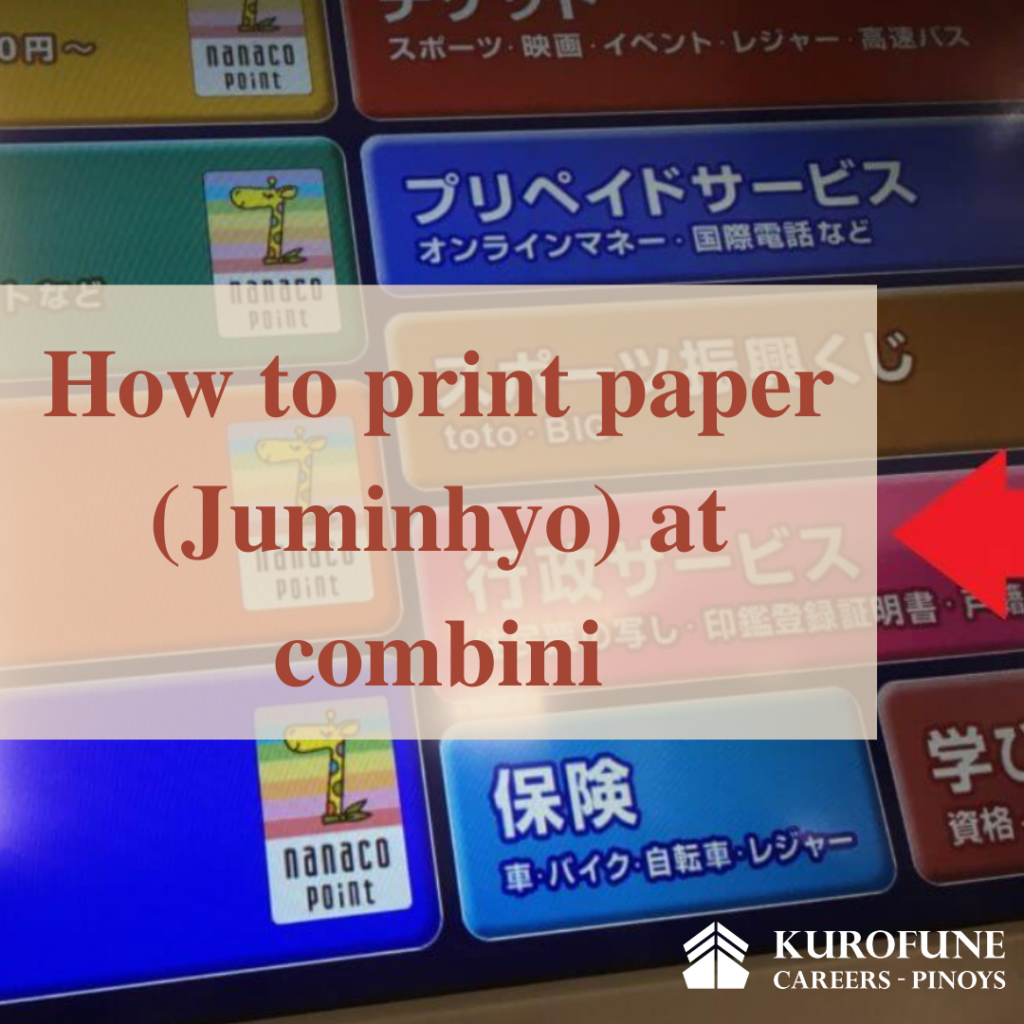
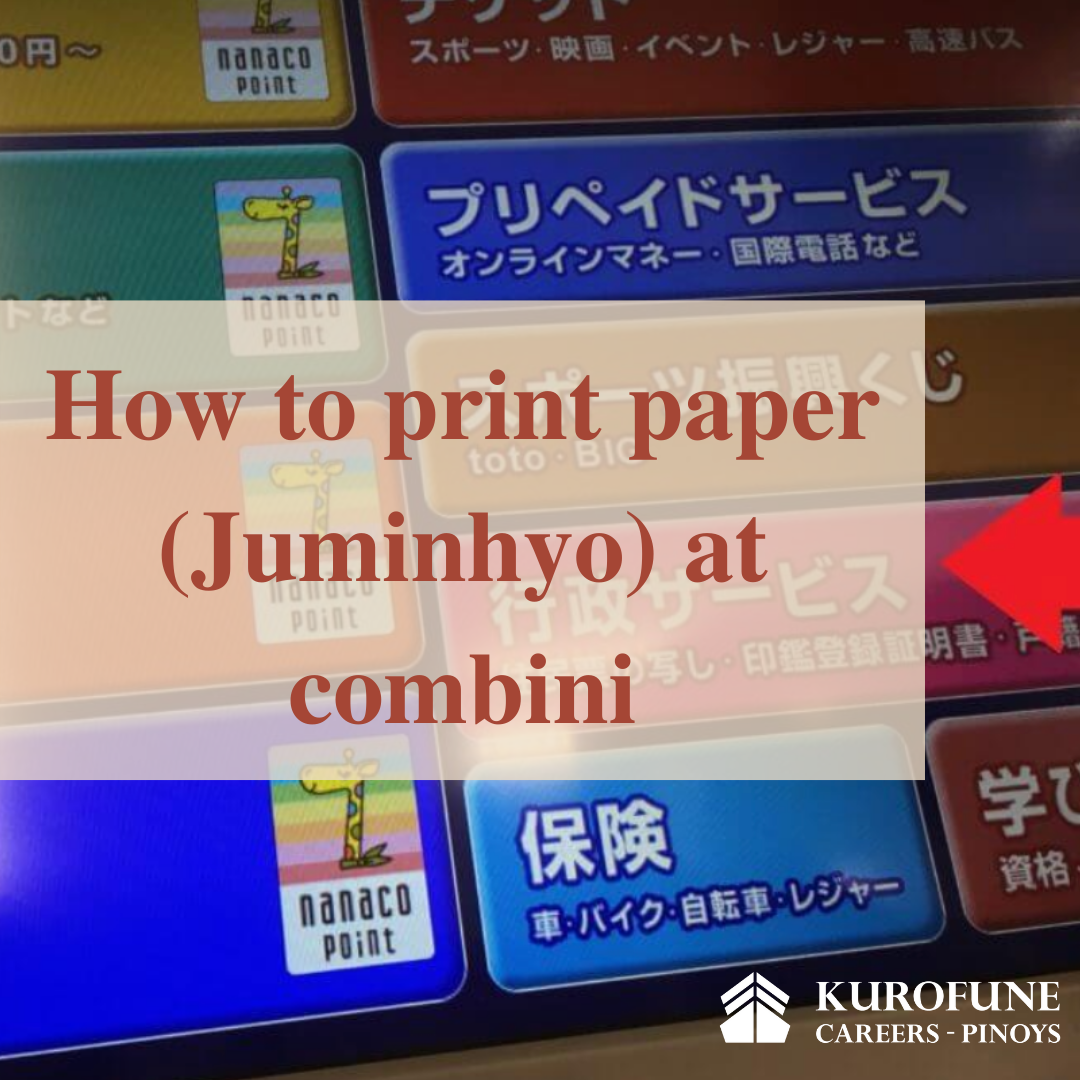
How to print paper(Juminhyo) at combini
Surely everyone living in Japan knows what Juminhyo is? In short, juminhyo is proof of your residence address and personal information in Japan. Normally, you will have to go to the district office or commune to get this paper. However, because the demand for juminhyo paper is so great, now in addition to the commune and district administrative offices, the government has granted the right to license combinis to print juminhyo paper. The only thing you need to prepare to print is your My number card.
The benefits of printing Juminhyo with a hard My number card at combini are fast, cheap, time-saving without queuing and through cumbersome administrative procedures at commune and district offices.
However, you should note: My number card must be a hard My number card (not a 通知カード notice card or a paper My number card)
Instructions on how to get Juminhyou at combini
First, go to the convenience store where there is a copy machine, the screen will be as following:
Choose the line Gyosei Sabisu (行政サービス), and the screen will come out as following:
Click on the green button on the bottom right of the screen that says 次へ
Choose Shōmei-sho kōfu sābisu (証明書交付サービス)
Click on 次へ
Choose Doui-suru (同意する) on the right
Place the card as shown. Place the card vertically where there is a red arrow mark. The card face has a black barcode on the back, the side with a photo is on the front. Then press continue 次へ, the machine will ask to swipe the card from the top down so that the machine can read the barcode on your My Number card. When successful, the screen will display the following information
Choose the yellow button お住まいの市町村の証明書 and then click on the confirm button 確定する
Enter the password that you have set for your My number card (with 4 number characters)
After enter in the right password, the screen will come up as above. Click on the first yellow box and then click confirm 確定する
After confirmation, the screen will display further information that you want to print onto your Juminhyo. If you want to get your basic individual information only, choose the first item (本人のみ), if you want to get the whole family – people with the same household registration, click on the middle (世帯全員), if you want to get only a part of the household registration, select the last item (世帯の一部). Then press confirm 確定する.
If you select the middle or last item, the screen will continue to display information that you want to print the information of the person holding the household name (owner)? Choose yes (有) or no (無). Then press confirm.
Do you want information about your nationality as well as your type of residence in Japan printed on your household registration paper? Choose yes or no. Then press confirm 確定する.
Enter the number of prints you want to issue and then click confirm 確定する
After completing the information, the screen will confirm all the information including: whether to print the information of the householder or not, whether the nationality and type of stay will be recorded, the type of document you want to print. (print regular household registration or print tax declaration…) number of copies, into money. Verify that the last name is correct?
And then click 確定する
Finally, the machine will display information asking to enter the amount like the number in the lower right corner of the screen. Put money in, then press the button to start printing プリントスタート. Then the machine starts printing. So it’s done. No need to go to the district center to apply for a certificate anymore. From now on you can get your own Juminhyo right at the Combini near your house.
WABISABI MEDIA ©2020 KUROFUNE

